Offset vs digital printing: which one should you choose?
Choose digital printing for short and medium runs, tight deadlines and personalised documents. Choose offset for long runs, exact Pantone colours and special papers: its set-up costs more, but the cost per copy drops sharply as the quantity grows.
What is the difference between offset and digital printing?
Offset printing is an indirect process: each colour is burned onto a plate, the ink goes from the plate to a rubber blanket, then from the blanket to the paper. Making the plates and setting up the press (make-ready) is a fixed cost, but once the press is running, each extra copy costs very little.
Digital printing sends the file straight to the press, using toner or inkjet, with no plates. There is almost no set-up, and every sheet can be different from the one before.
| Criterion | Offset | Digital |
|---|---|---|
| Best quantity | Long runs | Short and medium runs |
| Set-up cost | High (plates, make-ready) | Low |
| Cost per copy | Drops sharply with quantity | Almost flat |
| Turnaround | Longer (plates, make-ready, drying) | Short |
| Colour | CMYK and exact Pantone spot colours | CMYK, Pantone simulated |
| Personalisation (names, numbers) | No | Yes, every copy can change |
| Papers and sizes | Very wide choice | More limited |
| Consistency on long runs | Excellent | Good |
At what quantity does offset become cheaper?
The break-even point depends on the size, the number of colours, the paper and the finishing. It is usually somewhere between a few hundred and a few thousand copies. Below it, digital wins because it has no set-up cost. Above it, offset wins because its fixed costs are spread over the whole run.
The practical method: ask for a price at your quantity and at the next quantity up. In offset, going from 1,000 to 2,000 copies often costs far less than double, which can change your decision.
What are the steps of offset printing?
- Prepress: file check, imposition of the pages on the sheet, and approval of the proof.
- Platemaking: one plate per colour, made directly from the file.
- Make-ready: setting the ink and colour registration on run-up sheets.
- The print run itself.
- Drying of the inks.
- Finishing: cutting, folding, binding, lamination or varnish.
Digital is a shorter chain: file check, proof, printing, finishing. That is why short digital runs can be delivered within days.
What are the disadvantages of digital printing?
- A cost per copy that barely drops: on long runs, digital becomes more expensive than offset.
- Simulated Pantone colours: if your brand guidelines require an exact spot colour, offset reproduces it more faithfully.
- A narrower choice of papers and sheet sizes.
Offset has its limits too: a high set-up cost, a longer turnaround, no copy-by-copy personalisation, and a minimum quantity that only makes sense in volume.
Not to be confused: large-format digital printing (banners, roll-ups, vinyl, window graphics) uses inkjet printers several metres wide. It is the process behind stand displays, covered in our guide to roll-up banner sizes.
Which process for which document?
As a rule of thumb, for common sizes and papers:
| Document | Typical quantity | Recommended process |
|---|---|---|
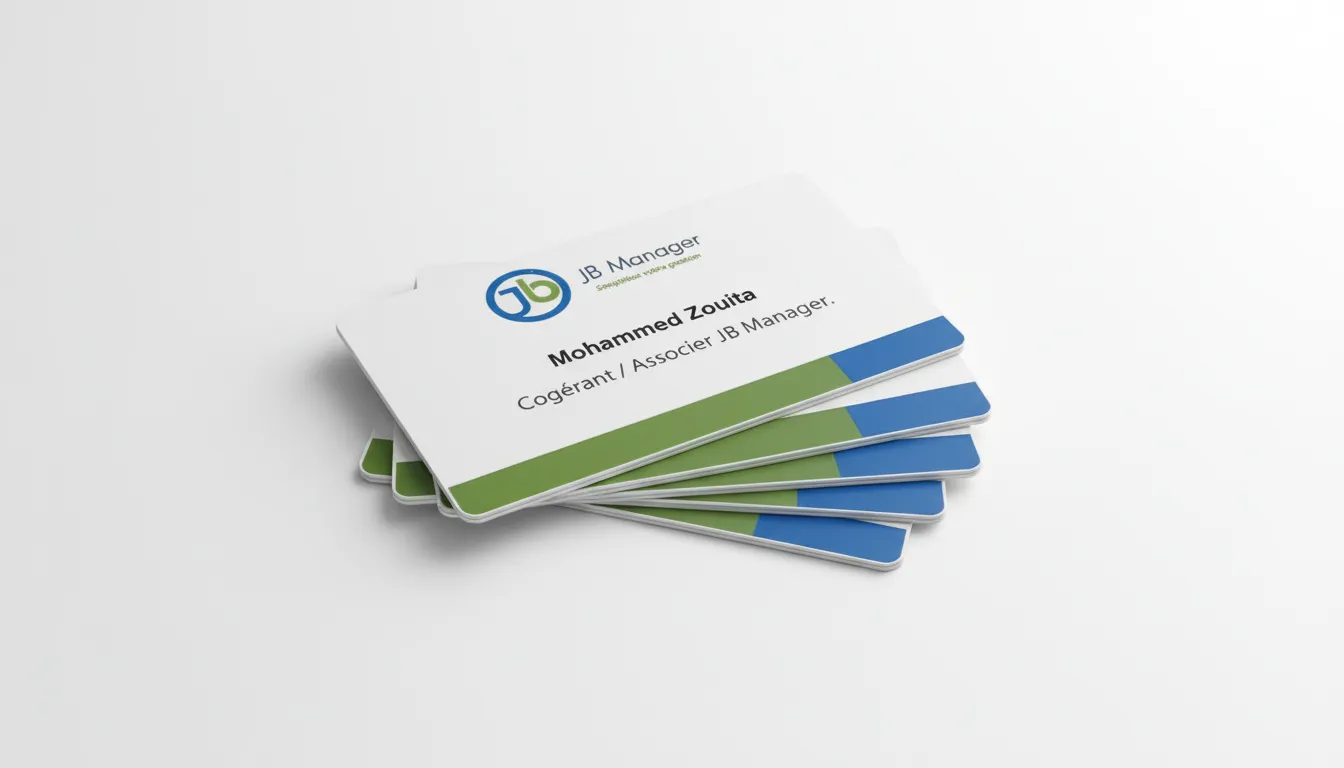
| Business cards | 100 to 500 | Digital |
| Invitations, name badges | Variable, with names | Digital (variable data) |
| Event flyers | A few hundred | Digital |
| Door-to-door flyers | Several thousand | Offset |
| Brochures, catalogues | A few hundred / several thousand | Digital / offset |
| Books | Short run / long run | Digital / offset |
| Boxes and packaging | Production run | Offset, with die-cutting |
| Roll-ups, banners, vinyl | One-off or short run | Large-format digital |

Coated vs uncoated (offset) paper: what is the difference?
Uncoated paper, often called offset paper, is matte, slightly absorbent and pleasant to touch, and you can write on it. It is the paper of letterheads, envelopes, notepads and text books. The name comes from its historical use on offset presses, but it prints on digital presses too.
Coated paper has a layer that smooths its surface, in matte, silk or gloss. The ink stays on the surface, so images are sharper and colours brighter. It is the choice for flyers, brochures and illustrated catalogues.
Screen printing or digital printing?
The question mostly applies to textiles and promotional items. Screen printing uses one screen per colour: it is very durable and economical on long runs with few colours. Digital printing (DTF, direct-to-garment) has no screen cost: it suits short runs, photos and gradients. For 30 team T-shirts with a five-colour logo, digital is usually simpler; for 1,000 T-shirts in one colour, screen printing wins.
How do you get quotes you can compare?
Give every printer exactly the same brief:
- finished size and number of pages;
- quantity, plus a higher quantity to see the price break;
- paper and weight;
- single or double-sided, CMYK or with a Pantone colour;
- finishing: lamination, varnish, die-cutting, folding;
- deadline and delivery address.
LeadAd prints both digital and offset, with lamination, varnish and die-cut finishing, and recommends the process that fits your quantity. Send us your project or explore our services.